Terminals for the Agent Era
The way we work as engineers is changing with AI agents. These are the terminals I've tried and what I think of each one.
We’re living through a terminal fever, and honestly, it makes total sense. With this new agent-centric way of working, it became obvious that our usual tools need an upgrade, something that integrates better with them. Little by little we’re seeing providers, third party services and SaaS adapting to the AI way of working, but we’re just now entering this interesting moment: integrating our agents directly into the terminal.
Right now there are a ton of ideas on how to do it, and most of them are pretty good. I’ve tried a few and I want to share them. Heads up: this is not a top list and it’s not in order of preference. Every option has its pros and cons, so it’s worth trying them one by one until you find the one that fits how you work.
The ones I’ve tried
Herdr
Herdr is an agent multiplexer that lives in your terminal. My first comparison to Tmux was useful, but incomplete. Herdr adds an agent-aware control layer around real terminal sessions, with workspaces, tabs and panes that keep running in a background server.
The part I find most interesting is its status model. It can identify when an agent is working, blocked, done or idle, so you do not need to inspect every pane to find the one waiting for you. It also exposes a CLI and local socket API, which means agents can create panes, start other agents, send prompts and wait for real state changes instead of simulating keystrokes.
Herdr is also designed to work across machines. You can run it on a remote host over SSH, detach from it and reconnect later. It supports macOS and Linux, with Windows currently in beta, and it is released under the Apache 2.0 license.
nodeterm
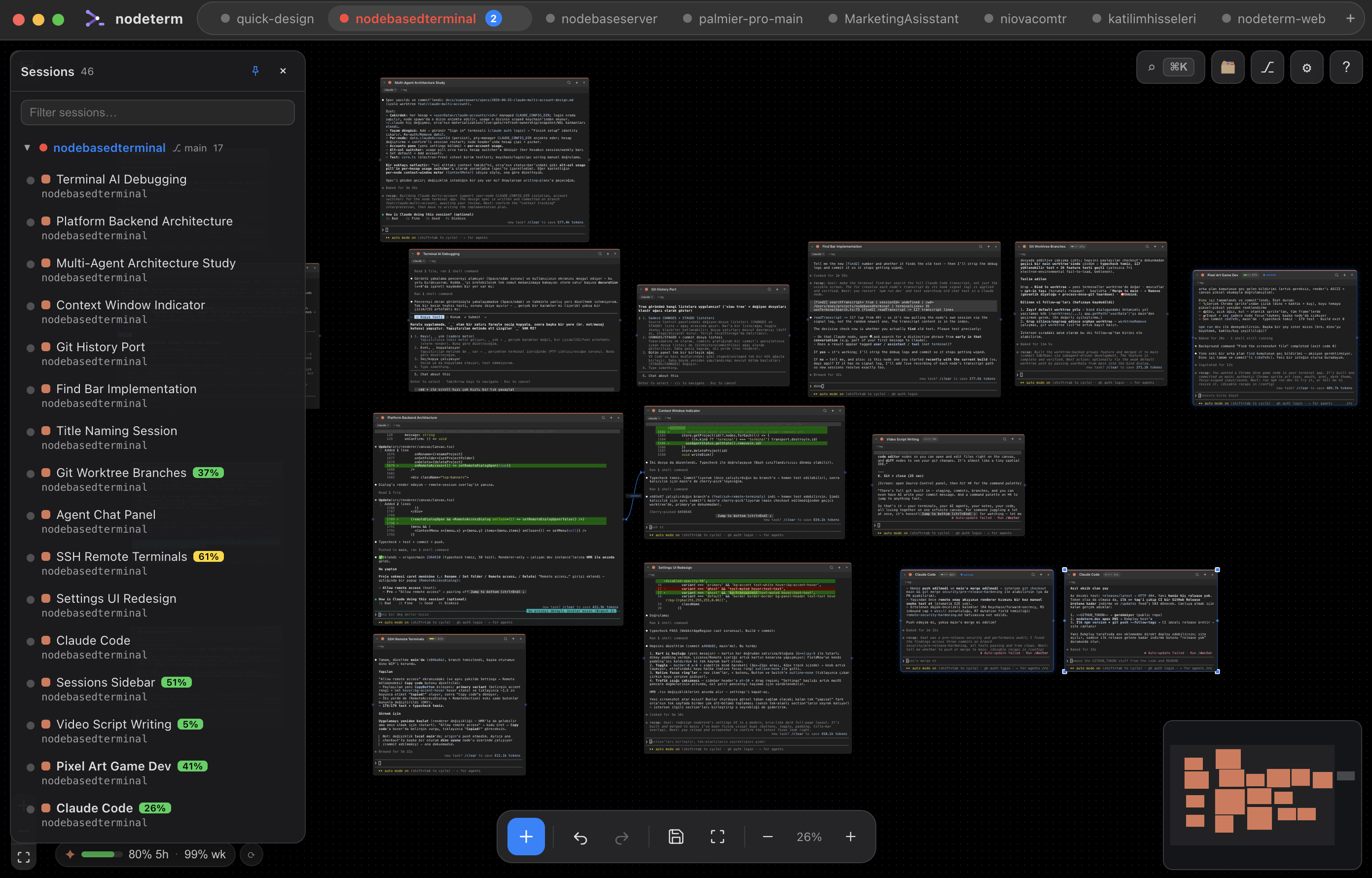
nodeterm starts from a different idea: the terminal should be a visual workspace. Instead of putting every session into a tab bar, it turns terminals and coding agents into nodes on an infinite canvas. You can move them, group them into frames, zoom out to see the whole project and zoom in when you need to work inside one session.
Each node is a real terminal. Agent nodes launch the CLIs you already use, including Claude Code, Codex, Gemini and OpenCode. The canvas also includes project tools such as sticky notes, a Monaco editor, Git views and links between agents. That makes it useful when the work is not just one prompt and one response, but a set of parallel investigations that need to stay visible.
Its persistence model is worth understanding. nodeterm runs each terminal inside its own tmux session and socket, so closing the app detaches the clients without killing running processes. After a reboot, the original OS process cannot remain alive, but nodeterm can restore recent scrollback and relaunch supported agents with their saved session identifiers.
Supacode
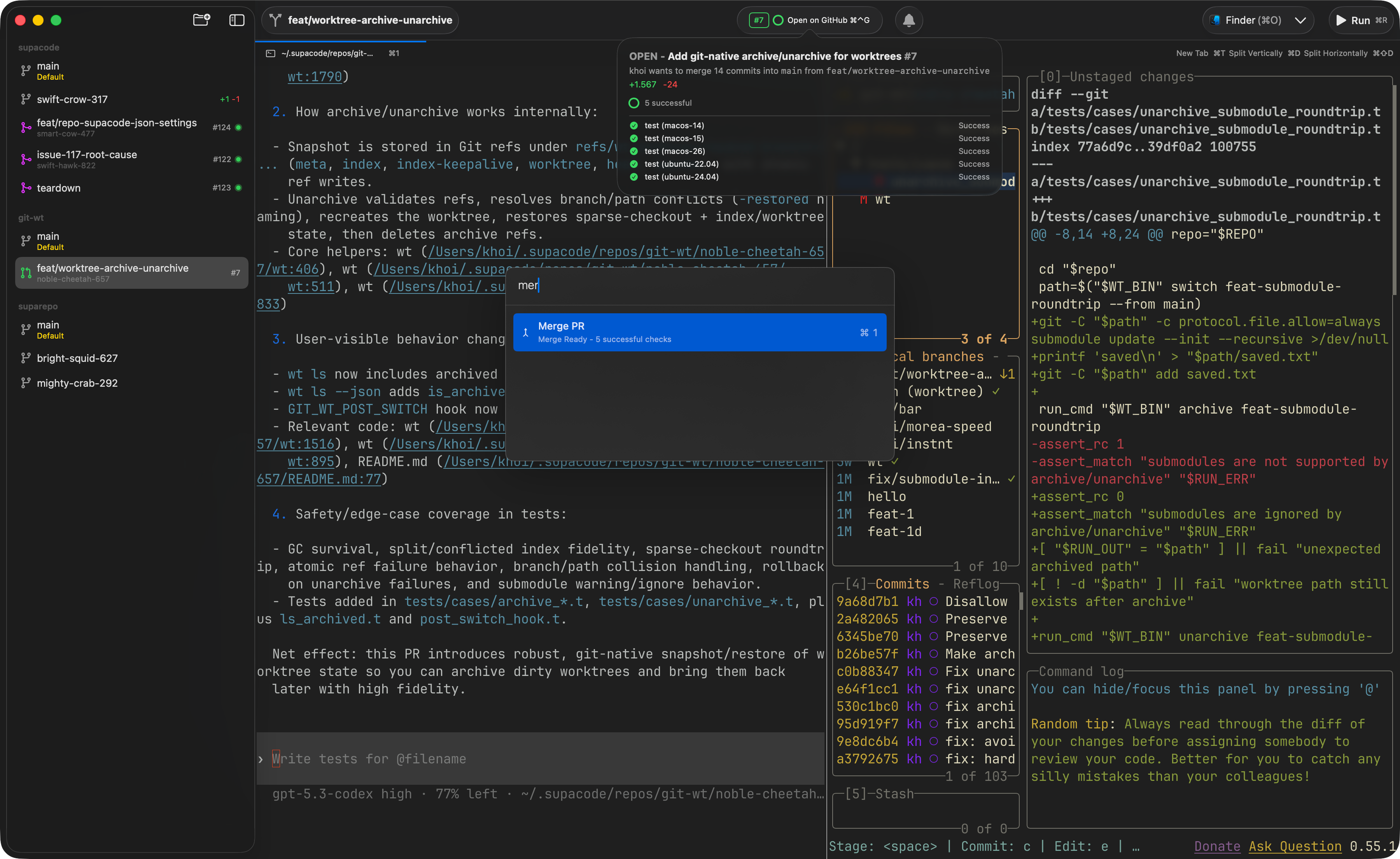
Supacode is a native macOS command center for running coding agents in parallel. Its main unit is the Git worktree: every agent gets an isolated worktree, which lets several agents work on the same repository without constantly stepping on the same files or branch.
It is designed around a terminal-first workflow, but it adds the project management around the terminal. The app includes tabs, splits, search and notifications, plus GitHub integration for opening pull requests, checking CI and resolving conflicts. It can run Claude Code, Codex, OpenCode and other CLI agents without inserting a translation layer between the agent and the shell.
Supacode is open source and its official site currently describes it as a beta macOS app. At the time of writing, it lists macOS 26 Tahoe as a requirement, so this is the most platform-specific option in my list.
TheCommander, now branded Commander
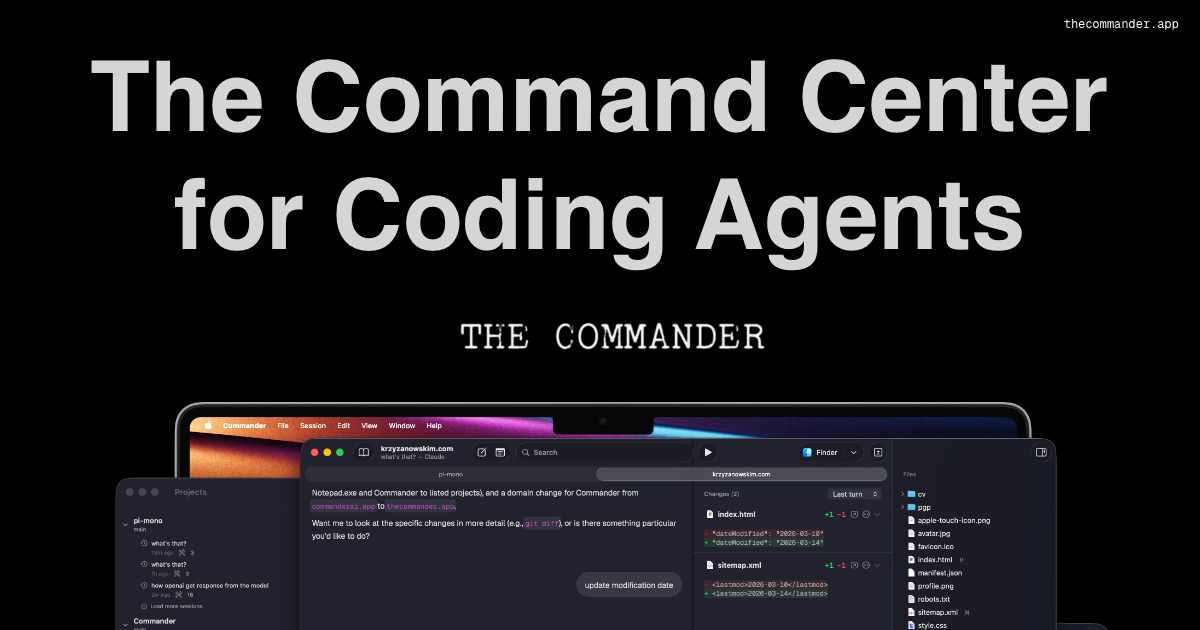
TheCommander is now presented as Commander, and it takes a more review-oriented approach. It is a native macOS app built around a simple loop: prompt the agent, inspect the diff, then commit what is good. It is not trying to replace the agent CLI or become a full IDE.
Commander connects to the CLIs you already have installed and authenticated, including Claude Code, Codex, OpenCode and Pi. It adds worktree management, branches, agent profiles, scriptable actions, tabs, detachable windows and sessions that survive relaunches. It can also run agents on a remote Linux machine over SSH while you review the work locally on your Mac.
The local-first model is another important detail. Commander says it does not store your API keys or send your repositories anywhere by itself. Authentication stays with the CLI, and any provider communication is handled by that underlying agent.
Try, learn, experiment
All of these options are worth checking out, even if it’s just to try them and see how they fit into your workflow. With this agent explosion, the way we work as software engineers has been changing and evolving constantly. A lot of the tools and methodologies we still use today were never designed for this new way of working. So my invitation is simple: try things, learn, experiment. You never know which tool will end up changing the way you work.